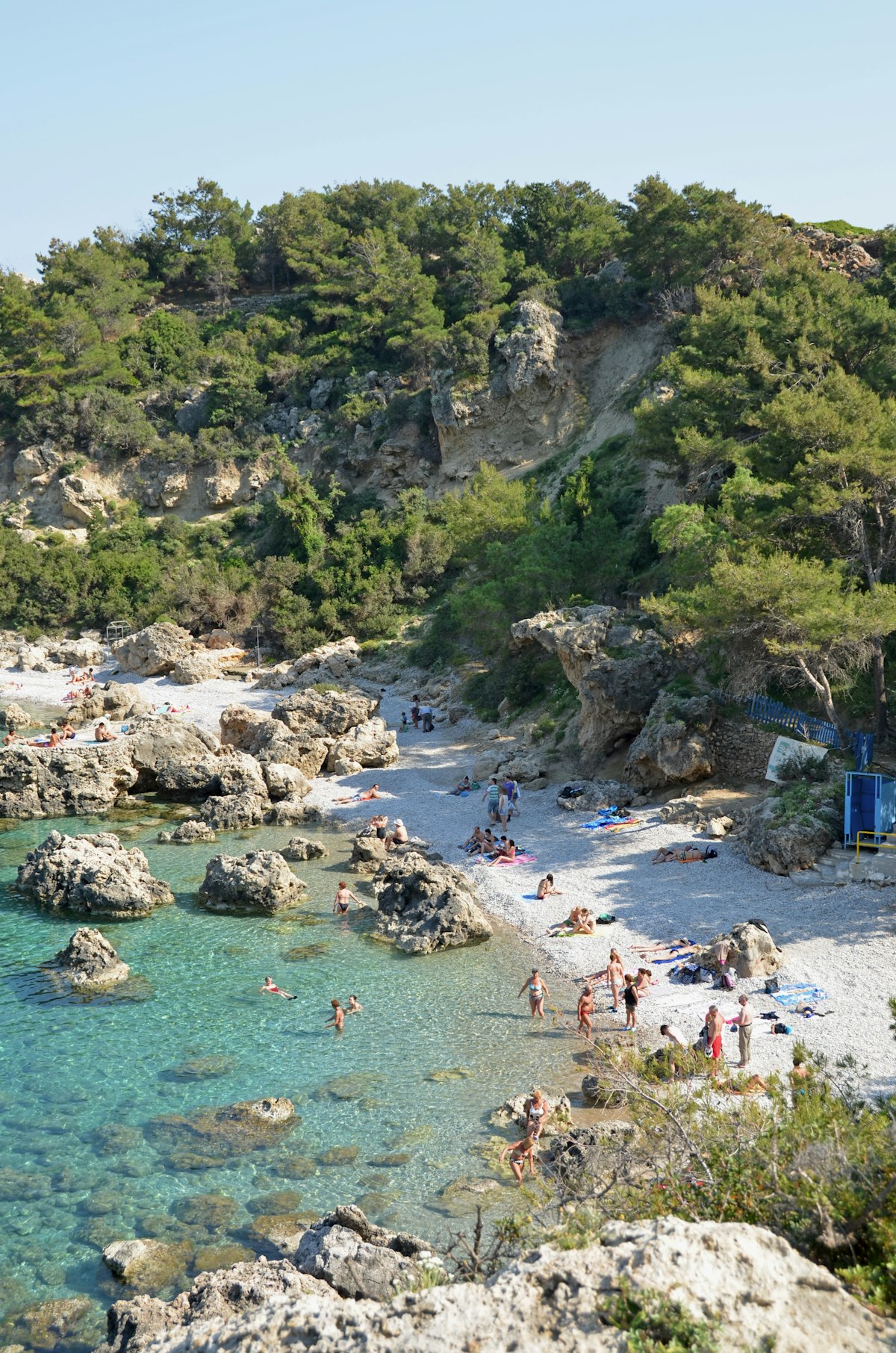
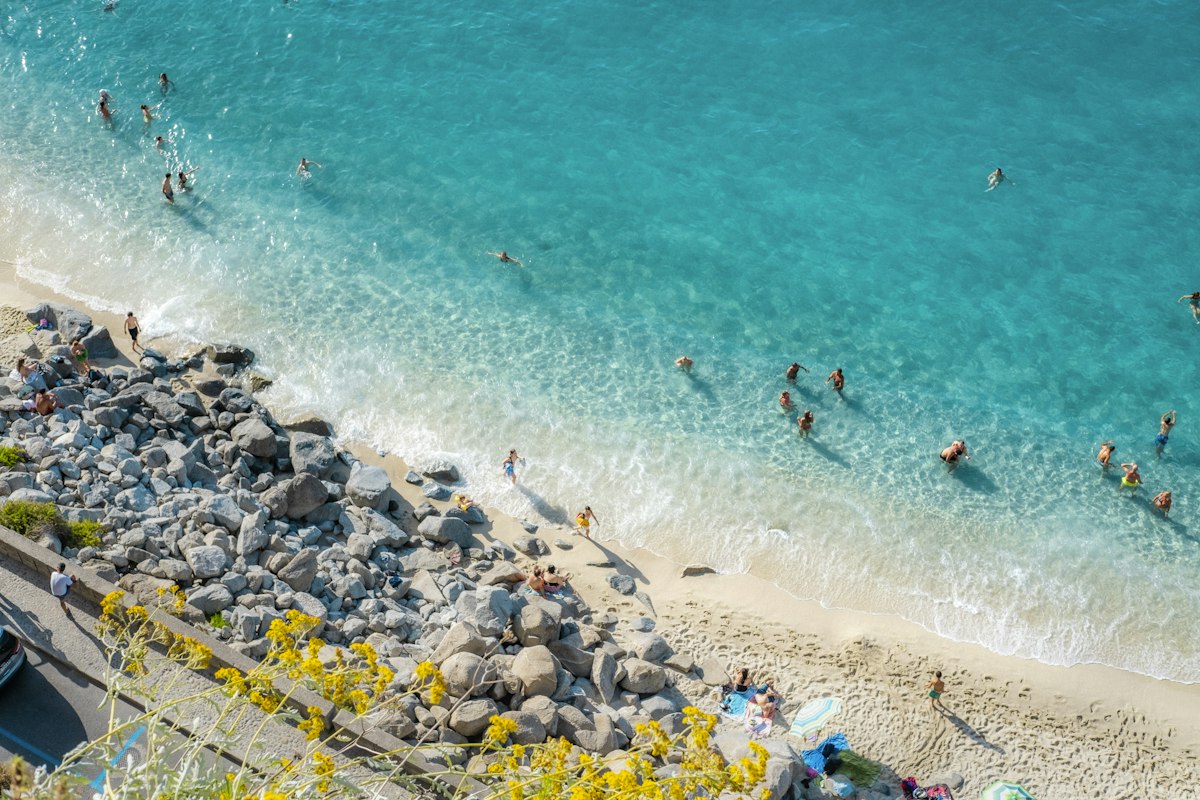
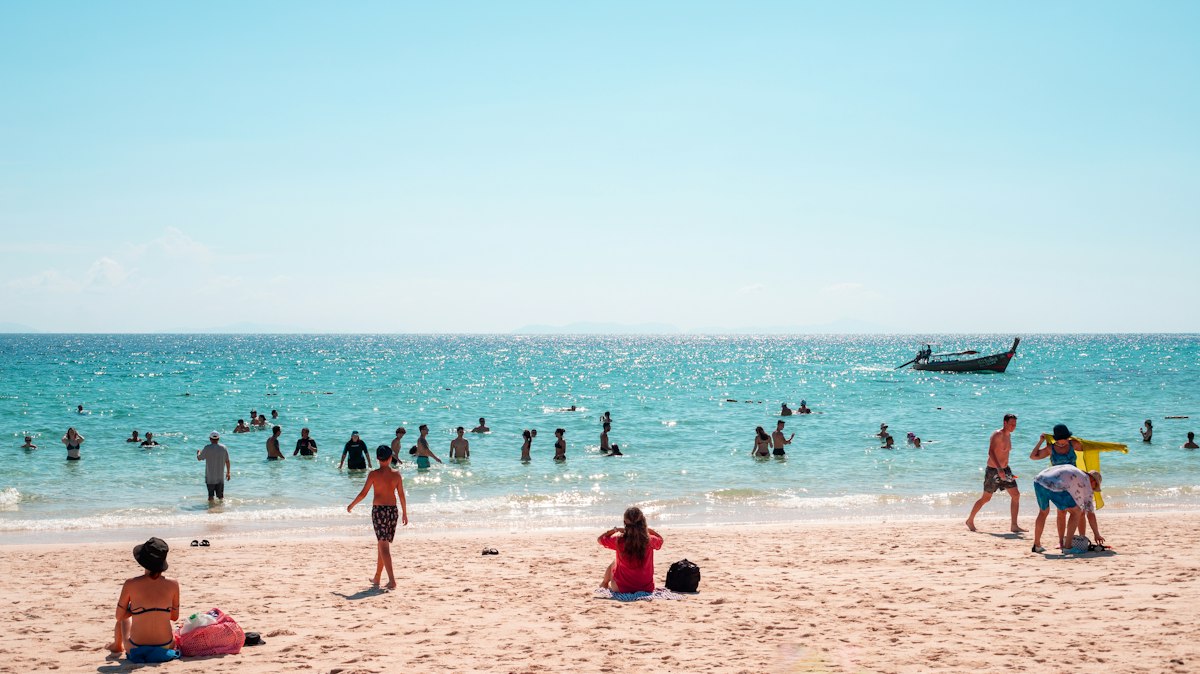
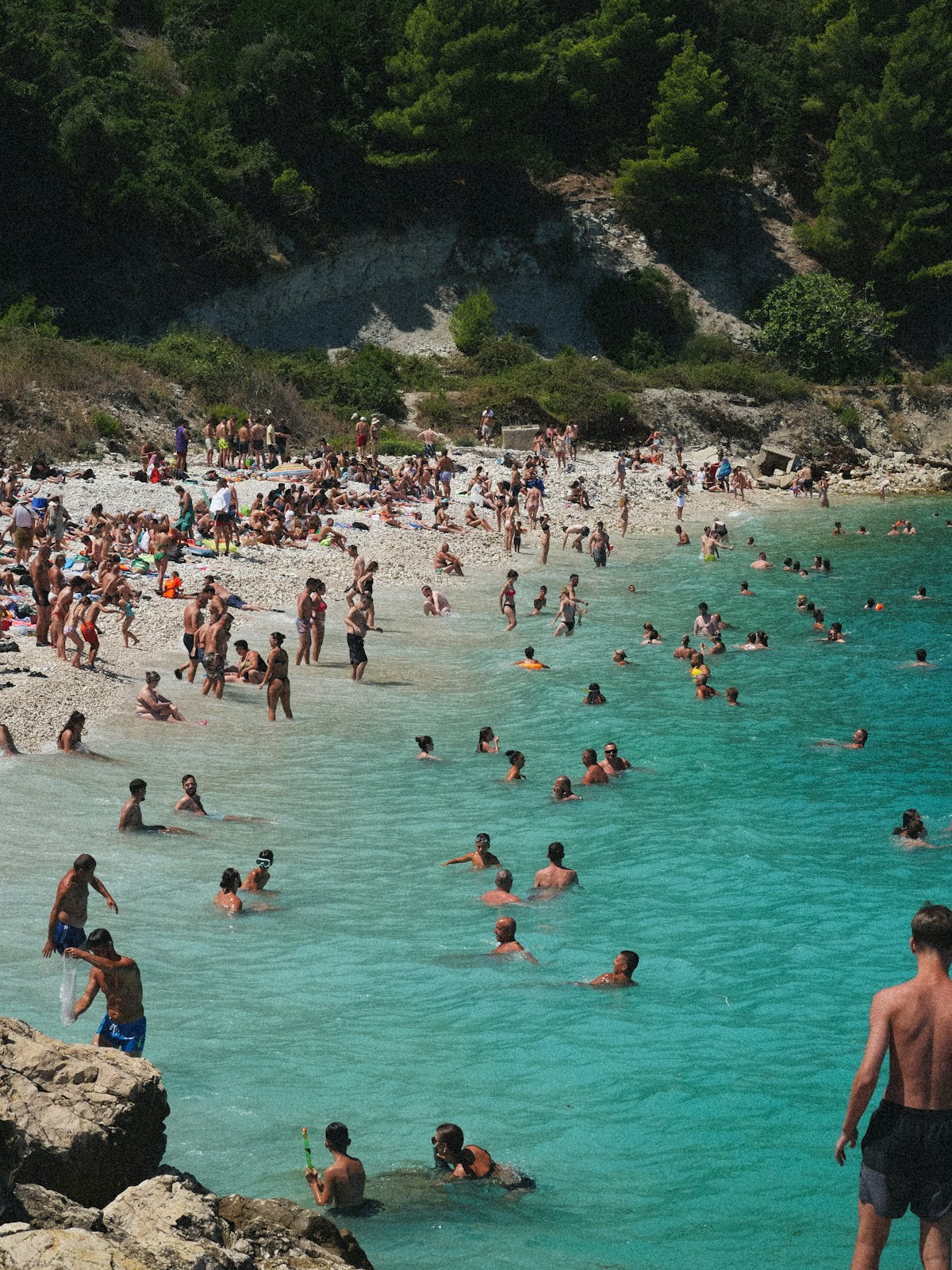
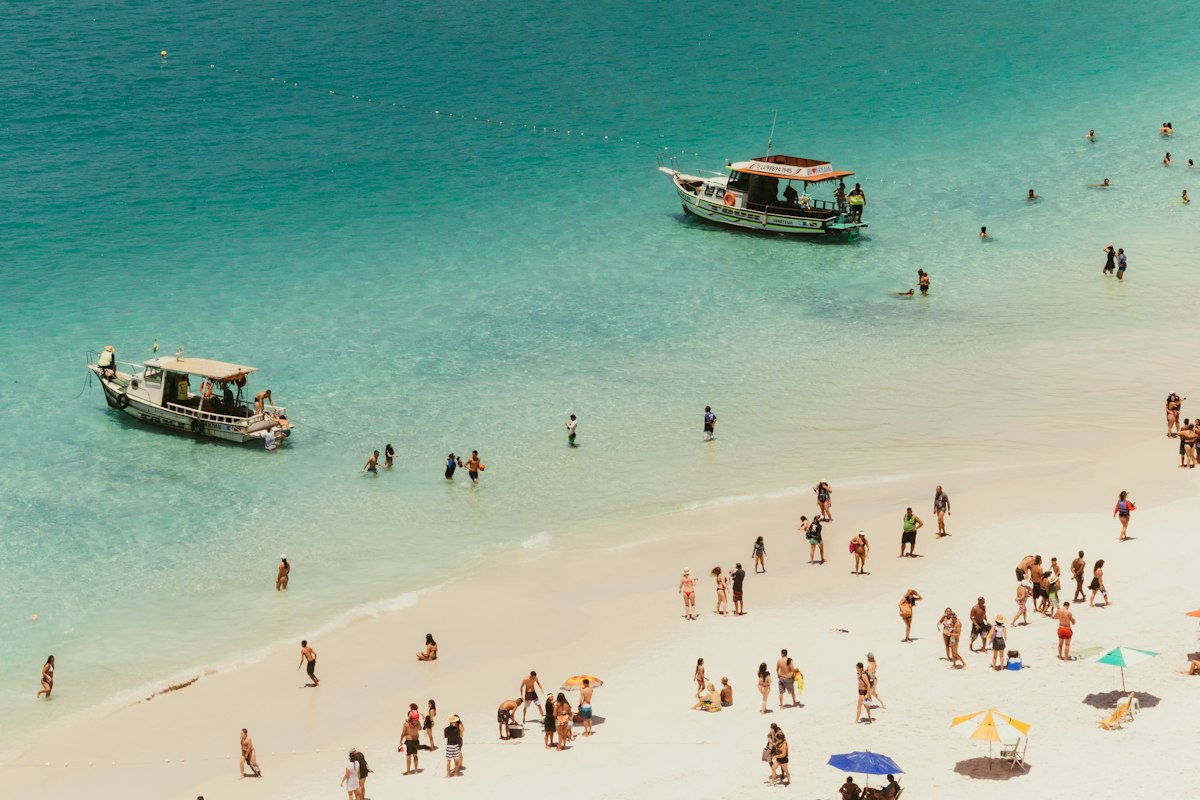
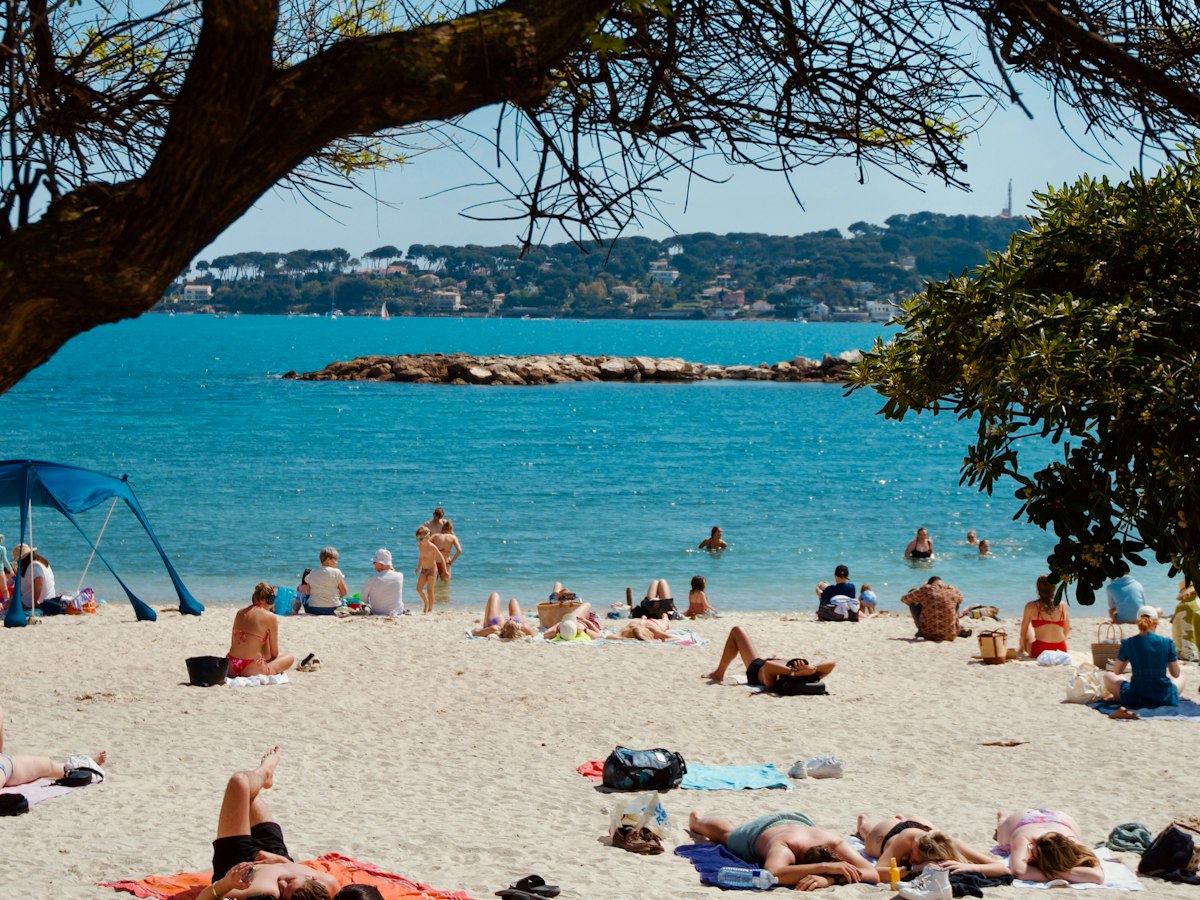
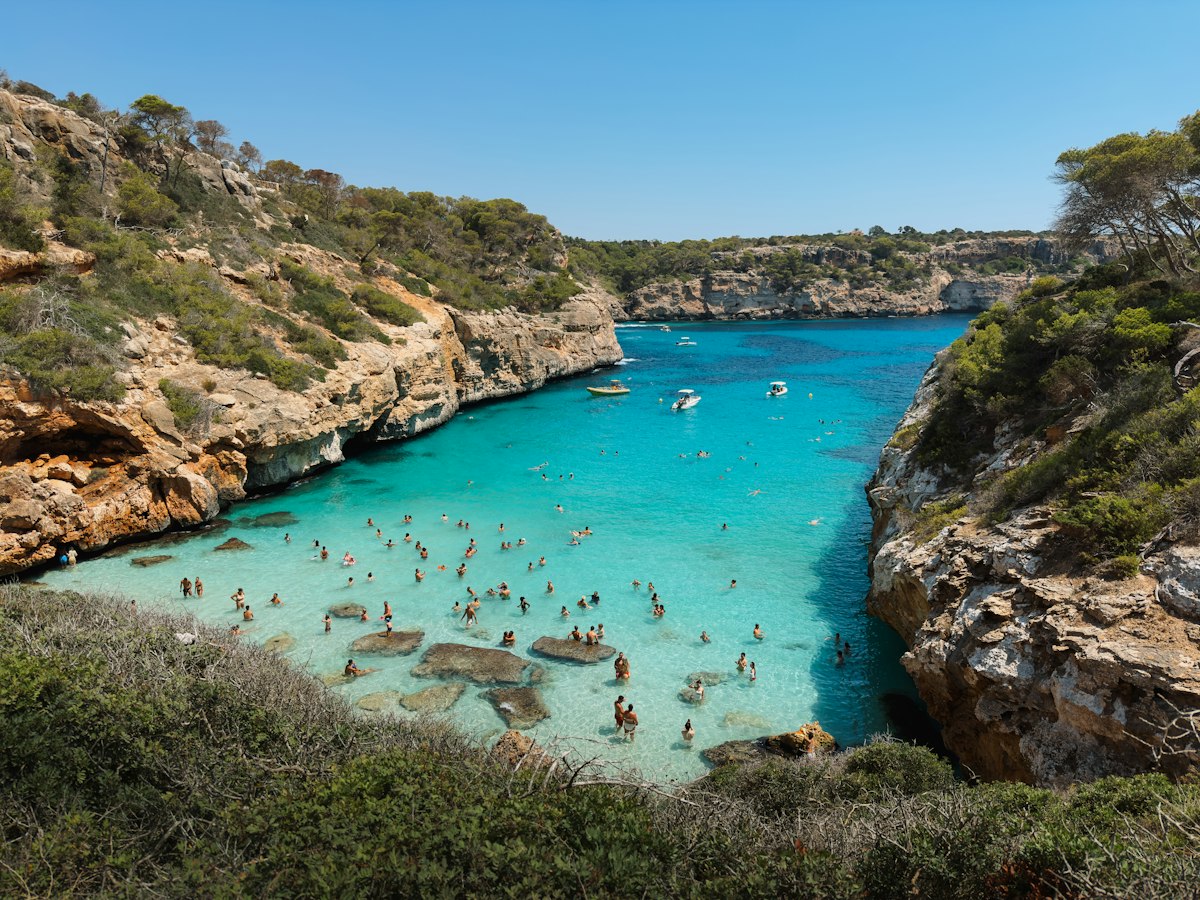
A scroll-driven hero where twelve photographs hang along the walls of a CSS 3D corridor and the camera flies through them as you scroll, with a gentle pointer look-around and a quiet scroll cue (a small line with a traveling mark) that fades as soon as the walk begins, before a serif headline, a short intro, an Arrow Pill and an underline link arrive once the last print has passed. Only the corridor container is transformed per frame, and reduced motion shows a single still view of the hallway with the headline in place.
Hero207: Depth Corridor Hero
A pinned hero where photographs hang at increasing depth along the walls of a CSS 3D corridor and the camera flies through them as the page scrolls, leaning slightly with the pointer, before a serif headline, intro, Arrow Pill and underline link rise in once the last print has passed.
Upgrade to Pro
Pro blocks install through the shadcn CLI with your license key and ship their full source. Docs and live previews stay open to everyone, so you can read every block's details first.
This installs the block to components/beste/block/hero207.tsx plus the button23 and button2 buttons it uses.
Quick start
The installed file exports hero207Demo alongside the block: the exact props behind the preview above. Spread it to get a working hero in one line.
tsx
import { Hero207, hero207Demo } from "@/components/beste/block/hero207";export default function Page() { return <Hero207 {...hero207Demo} />;}
Then replace the demo with your own props. Written out, a trimmed setup looks like this:
tsx
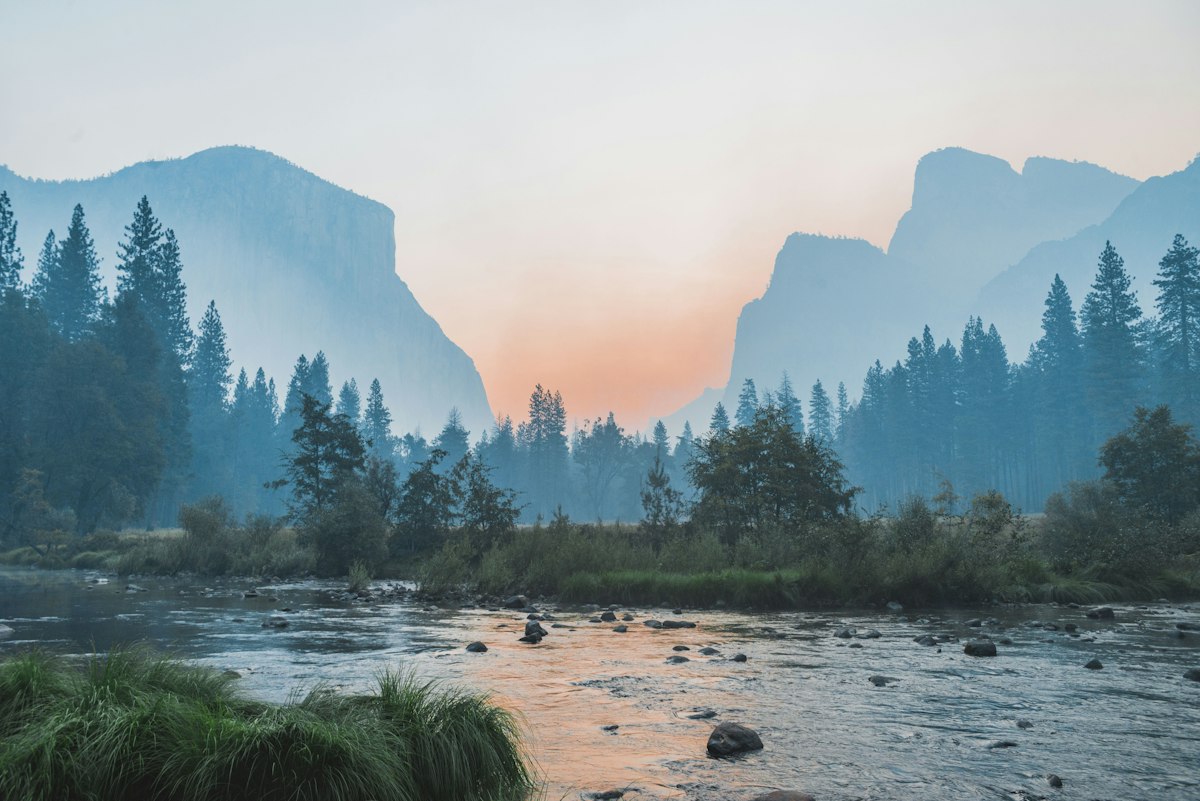
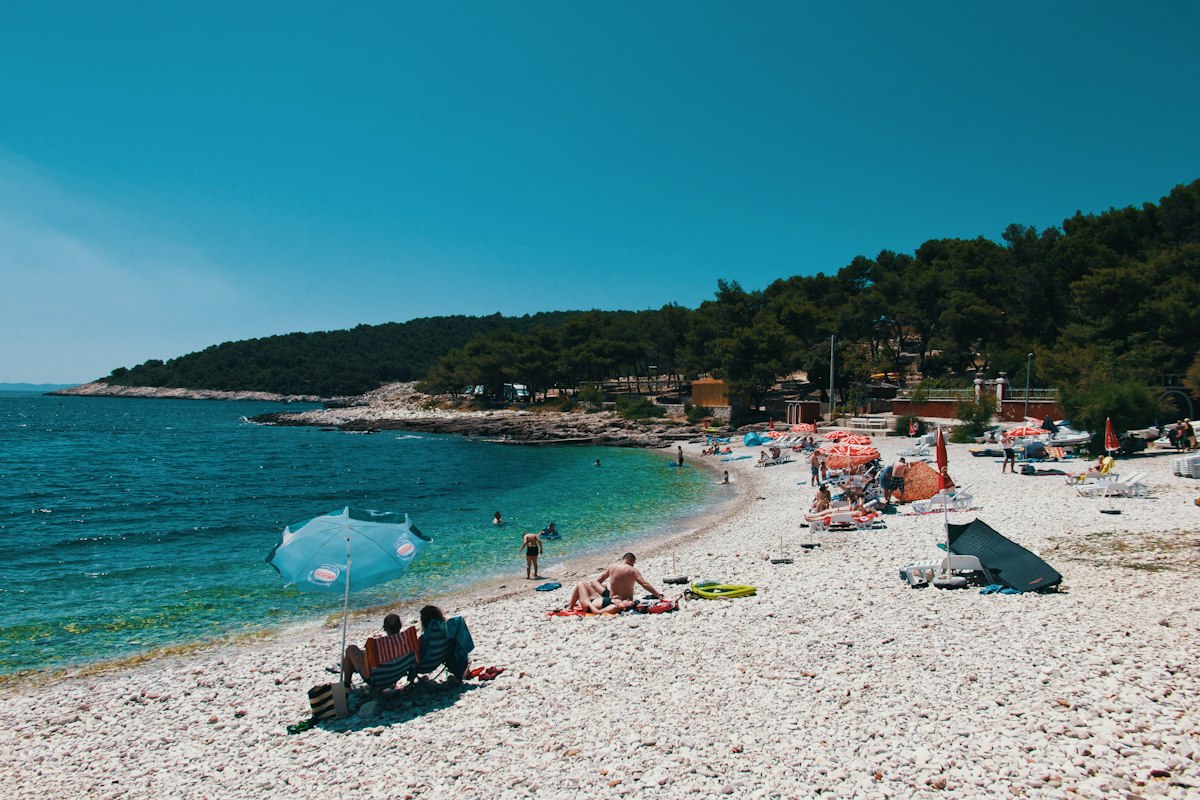
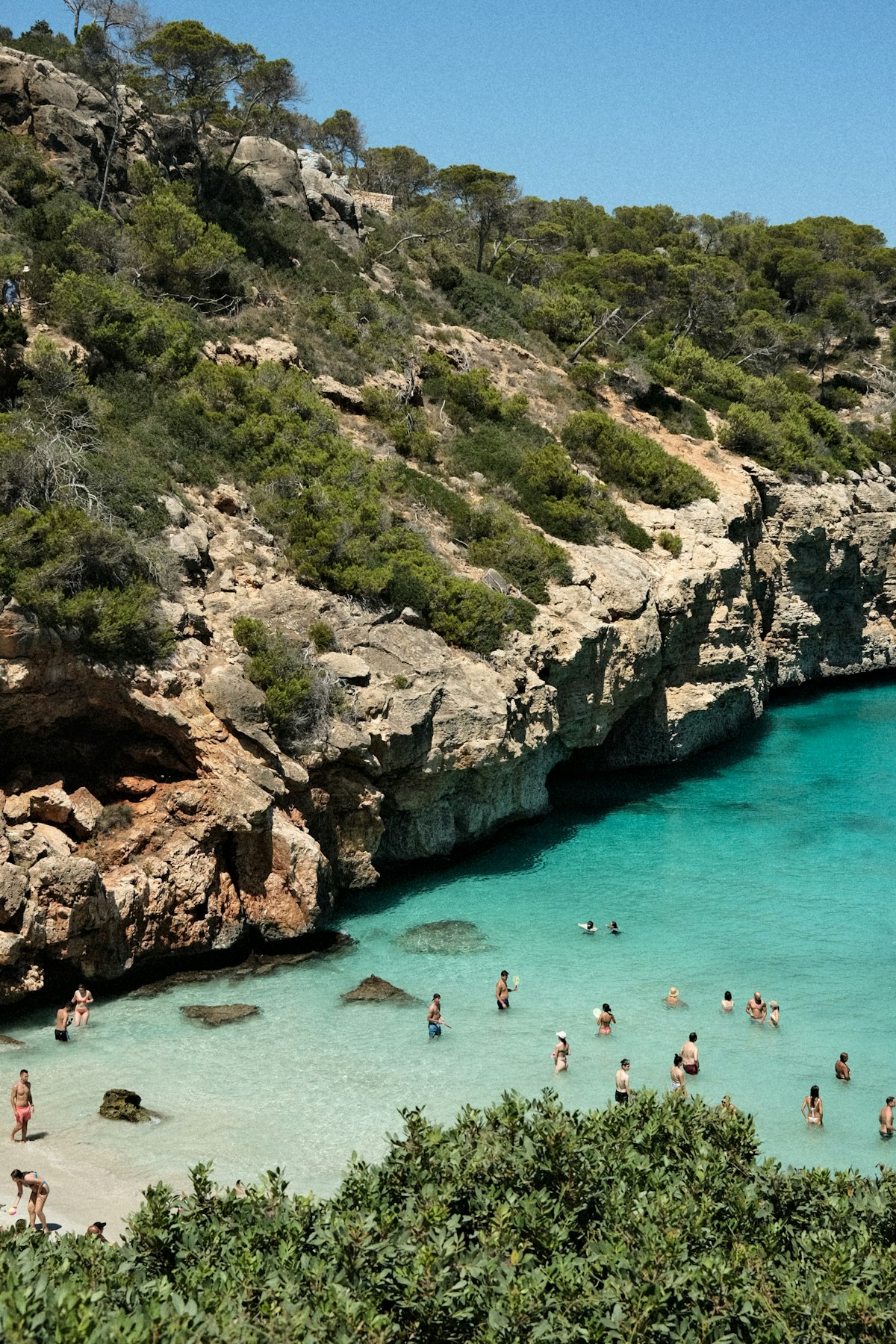
import { Hero207 } from "@/components/beste/block/hero207";export default function Page() { return ( <Hero207 eyebrow="Saltline Photo Festival" heading="Walk far enough and the pictures start walking with you." description="Ten days of travel photography hung in a single 180 meter corridor by the sea." buttons={[ { label: "Plan your festival visit", href: "/visit" }, { label: "Meet the photographers", href: "/photographers" }, ]} scrollHint="Scroll to walk in" frames={[ { src: "https://images.unsplash.com/photo-1506744038136-46273834b3fb?w=1200&q=80", alt: "Pale mountains above a still river and dark pines at dusk", }, { src: "https://images.unsplash.com/photo-1579437469180-e31a7aa7273d?w=1200&q=80", alt: "A pebble beach curving along a turquoise bay", }, { src: "https://images.unsplash.com/photo-1688926984205-74eb653edeae?w=1200&q=80", alt: "A limestone cove with clear green water", }, ]} /> );}
Props
Prop
Type
Default
Description
eyebrow
string
–
Muted line above the headline
heading
string
–
Serif headline, rendered as the page h1
description
string
–
Intro in the right column from md
buttons
ActionButton[]
[]
The first renders as a square-cornered Arrow Pill (Button23), the rest as underline links (Button2)
frames
Frame[]
[]
Photographs along the corridor, nearest first
scrollHint
string
–
Quiet cue with a traveling mark at the bottom of the first view
The section is 260vh tall with a sticky stage; springy scroll progress from 0 to 0.84 moves a single container along the Z axis through count * 640 + 900 pixels, so only that container is transformed per frame.
Frames hang every 640px of depth on 12 fixed wall slots (position, width, aspect and tilt), repeating after the twelfth. Each fades in from the far distance and out just before it passes the camera, and is set to visibility: hidden when fully faded.
The copy fades and rises in between 0.8 and 0.95 of the progress over a gradient from the background color, and only takes pointer events once it is more than 60% visible.
The scroll cue leaves as soon as progress passes 0.03 and returns only below 0.01, so it belongs to the first view.
A mouse or pen tilts the corridor up to about 2.5 degrees toward the pointer through a spring; touch input is ignored and leaving the section recenters it.
With reduced motion the section is one screen tall, the camera holds a still view 2.4 frames in, and the copy, which is otherwise hidden until the end of the flight, is shown at once.
Photos render as plain img elements with loading="lazy".