Zoom Parallax Hero
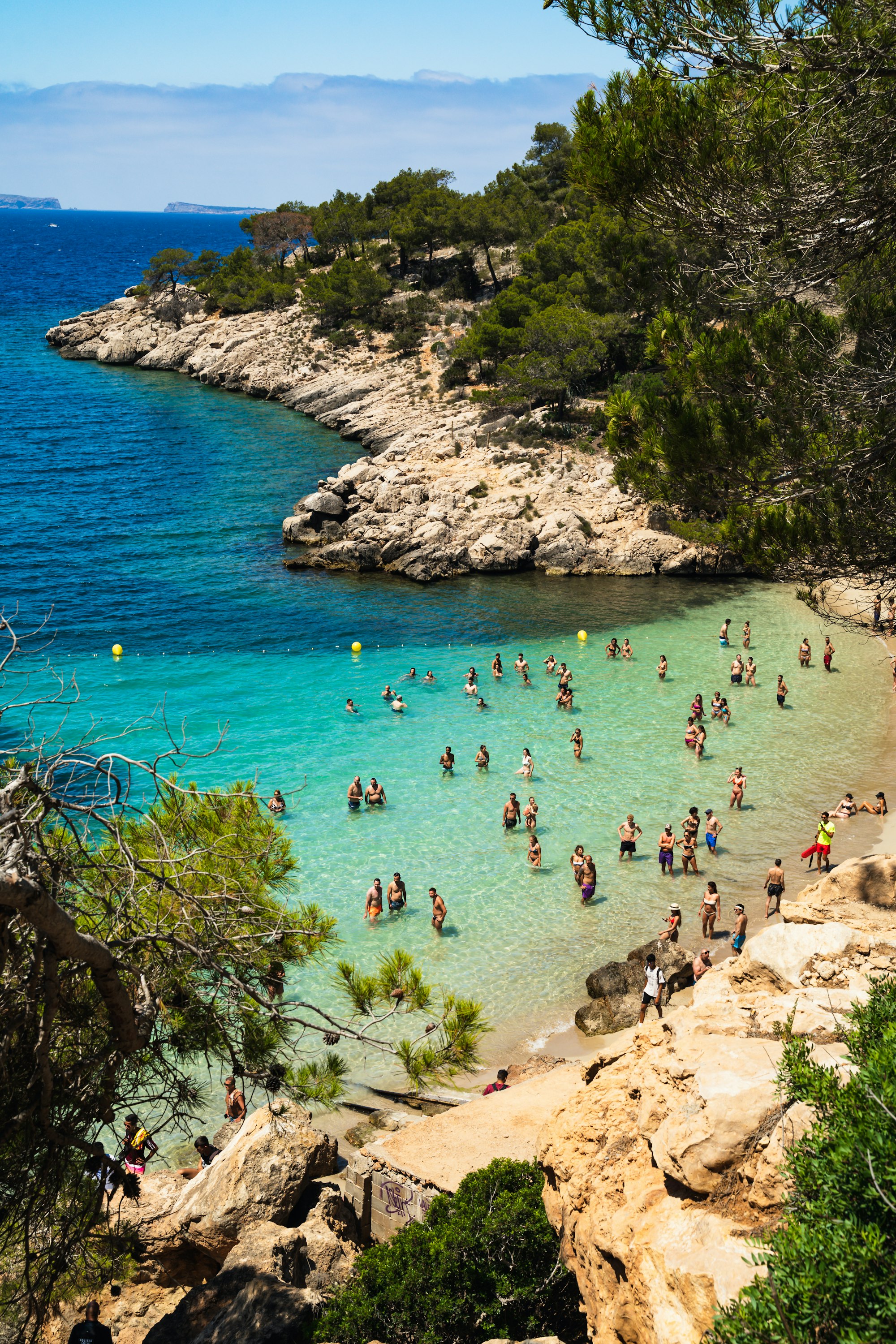
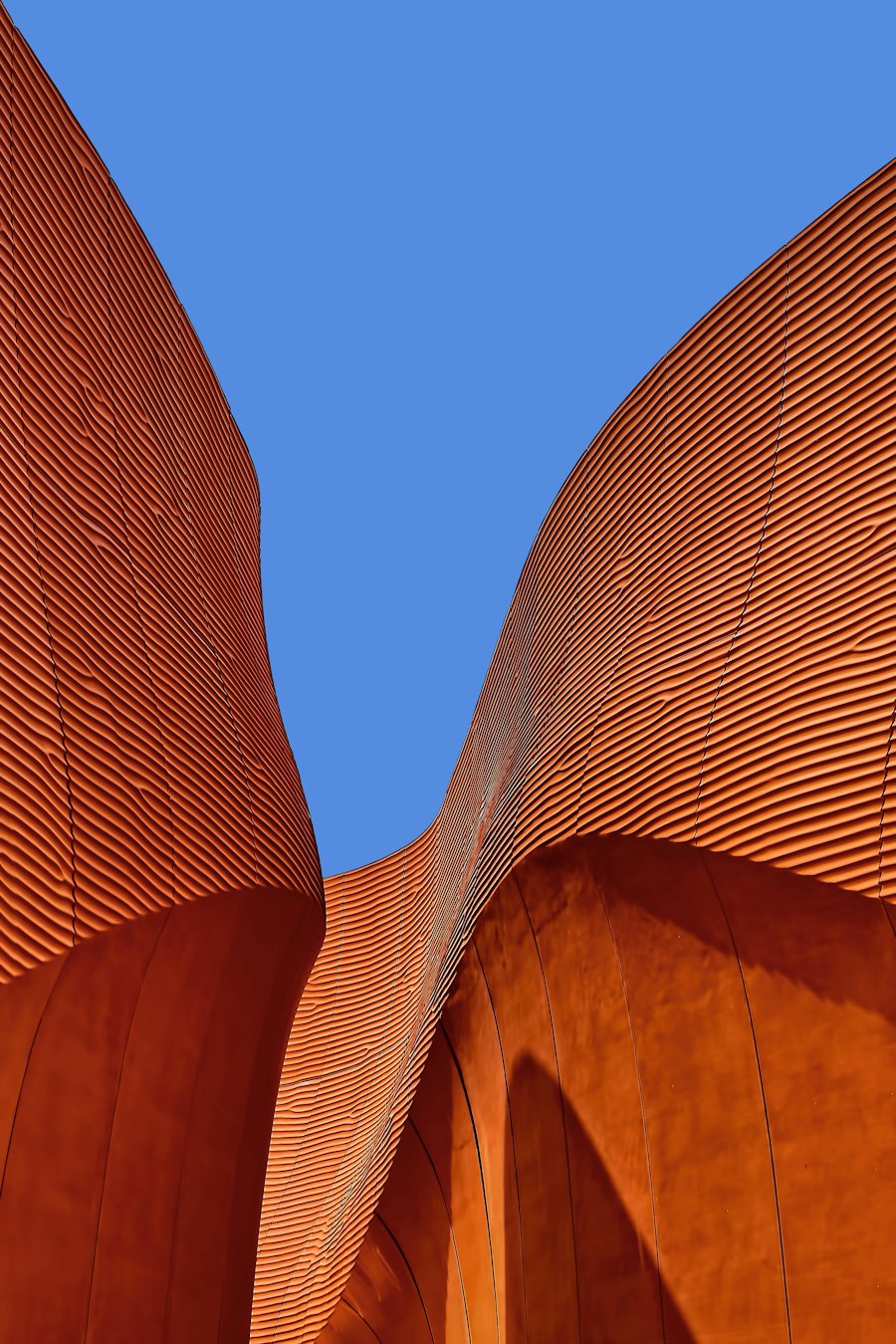
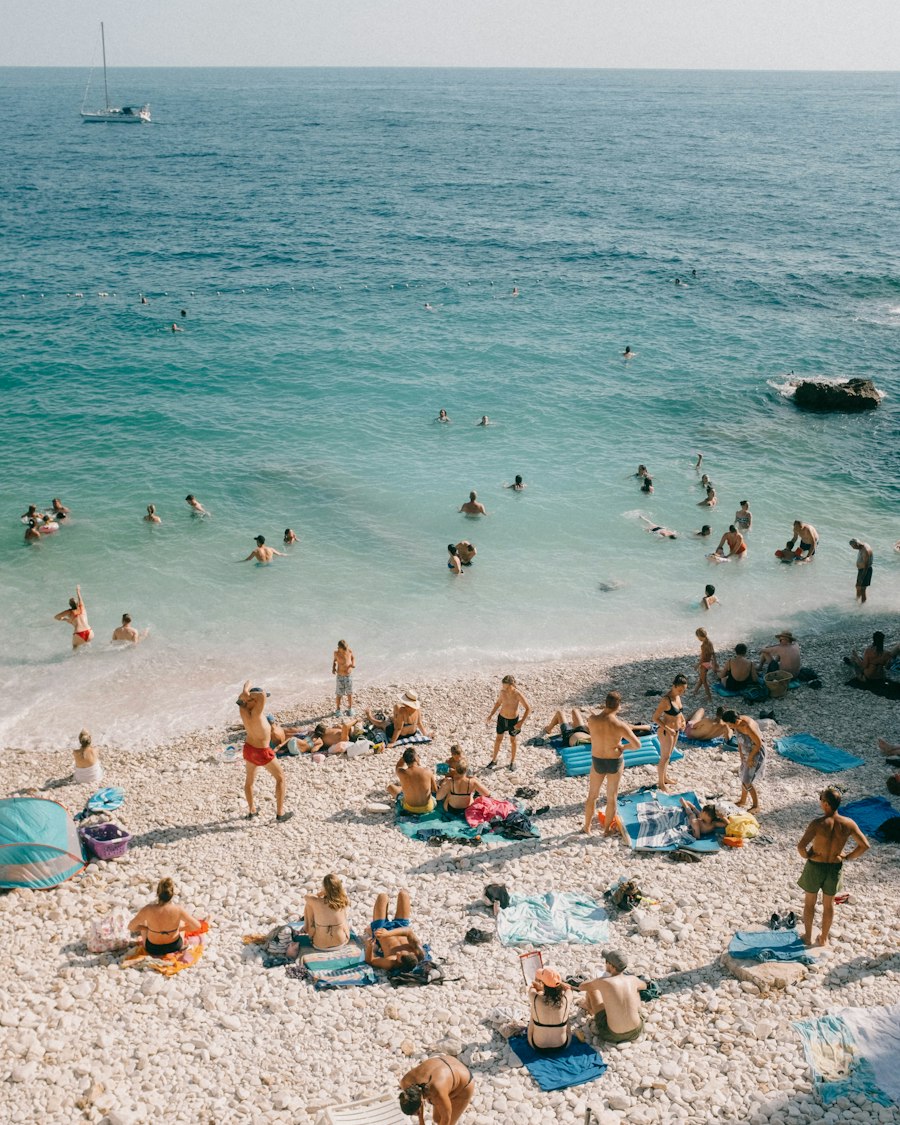
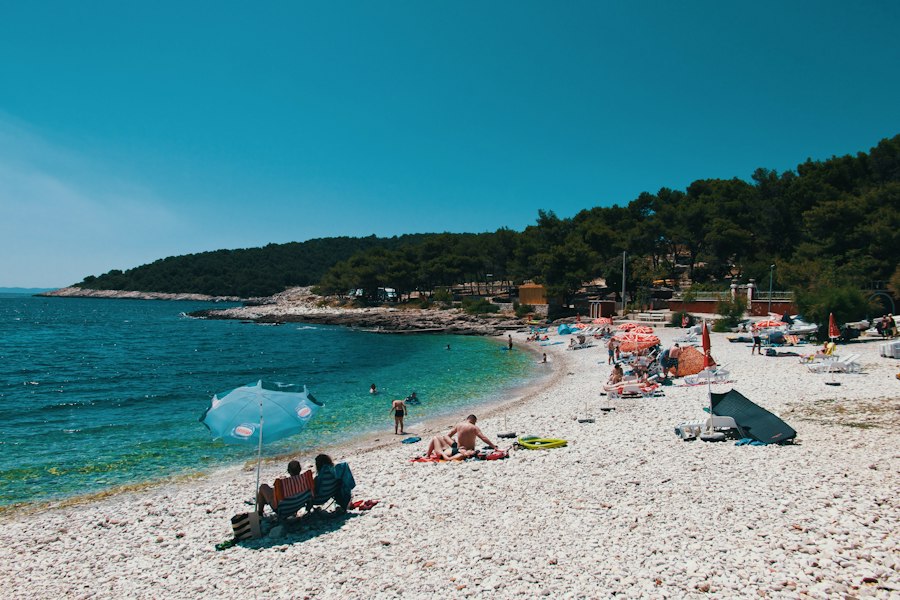
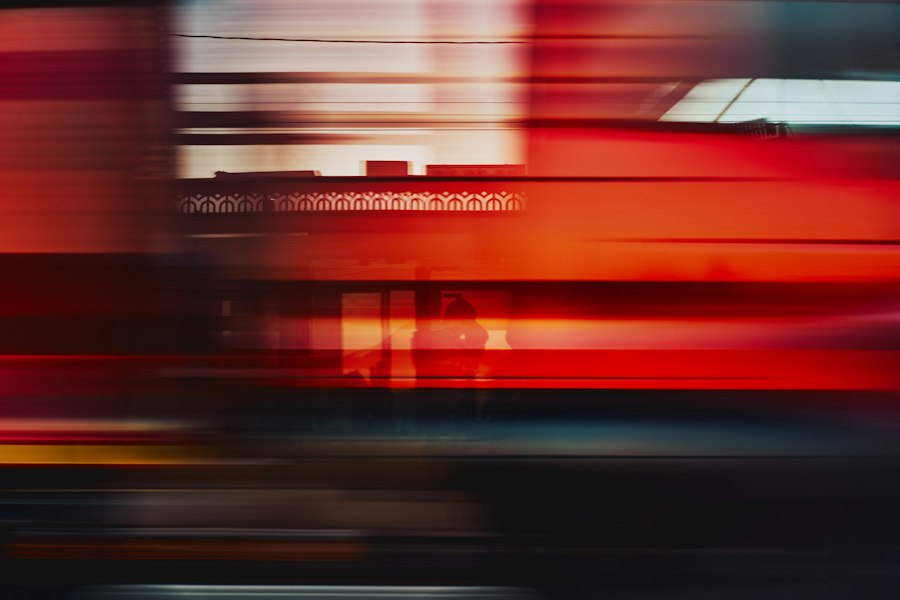

A pinned scroll hero for a design hotel built on the zoom-parallax component: seven photographs sit in an asymmetric editorial collage under a centered headline, and as the page scrolls every photograph grows at its own pace while the center one glides forward to fill the whole frame and the others fly outward past the edges. Once the bay fills the screen, the semibold headline, an intro, an Arrow Pill and an underline link settle in at the lower left over a soft shade. The collage drifts gently with the cursor, and every collage setting passes through the collage prop. Reduced motion shows the full photograph with all copy.
A pinned scroll hero built on the zoom-parallax component: 7 photographs sit in an editorial collage under a centered headline, and as the page scrolls each grows at its own pace while the center one glides forward to fill the frame and the others fly past the edges. Once it fills the screen, the headline, an intro, an Arrow Pill and an underline link settle in at the lower left over a soft shade.
Upgrade to Pro
Pro blocks install through the shadcn CLI with your license key and ship their full source. Docs and live previews stay open to everyone, so you can read every block's details first.
Swap YOUR_EMAIL and YOUR_KEY for the email and license key on your account. Find your license key on your account page.
Radix flavor
npx shadcn add "https://ui.beste.co/r/hero252?email=YOUR_EMAIL&license_key=YOUR_KEY"Base UI flavor
npx shadcn add "https://ui.beste.co/r-base/hero252?email=YOUR_EMAIL&license_key=YOUR_KEY"This installs the block to components/beste/block/hero252.tsx plus the zoom-parallax component and the button23 and button2 buttons it uses.
The installed file exports hero252Demo alongside the block: the exact props behind the preview above. Spread it to get a working hero in one line.
import { Hero252, hero252Demo } from "@/components/beste/block/hero252";

export default function Page() {
  return <Hero252 {...hero252Demo} />;
}
Then replace the demo with your own props. Written out, a trimmed setup looks like this:
import { Hero252 } from "@/components/beste/block/hero252";

export default function Page() {
  return (
    <Hero252
      eyebrow="Casa Lume, a hotel above the bay"
      heading="Twelve rooms. One bay."
      description="A stone house on the limestone coast. Swim before breakfast, read until the light goes."
      buttons={[
        { label: "Check availability", href: "/book" },
        { label: "See the rooms", href: "/rooms" },
      ]}
      collage={{
        images: [
          { src: "https://images.unsplash.com/photo-1661887561938-a6fc6ab641a9?w=2000&q=80", alt: "A turquoise bay ringed by pines and limestone" },
          { src: "https://images.unsplash.com/photo-1486718448742-163732cd1544?w=900&q=80", alt: "Concrete spiral staircase shot from below" },
          { src: "https://images.unsplash.com/photo-1658834951917-101ba5b8f65c?w=900&q=80", alt: "Turquoise shallows and a pebble beach seen from above" },
        ],
        layout: "headline",
        depth: 0.7,
        interactive: true,
      }}
    />
  );
}| Prop | Type | Default | Description |
|---|---|---|---|
eyebrow | string | – | Small muted line above the centered intro heading |
heading | string | – | Shown centered before the zoom, then as the h1 at the lower left once the photo fills the frame |
description | string | – | Intro shown once the photo fills the frame |
buttons | ActionButton[] | [] | The first renders as a light Arrow Pill, every later one as a Button2 underline link |
collage | Omit<ZoomParallaxProps, "className" | "children" | "progress" | "autoplay"> | – | Forwarded to the ZoomParallax component: the images (the first is the one that fills the frame in the demo), layout, depth, shadow and interactive |
className | string | – | Extra classes for the outer <section> |
type ActionButton = {
  label: string;
  href: string;
};280svh tall with a sticky stage of 100svh - 78px (at least 640px); scroll progress from 0.08 to 0.72 maps to the zoom, and the block sets progress itself with autoplay off.aria-hidden paragraph; the lower-left heading is the h1 and stays in the DOM, while the description and buttons are aria-hidden and their links drop out of the tab order until the copy shows.interactive on, the collage drifts gently with the cursor; ZoomParallax pauses through an IntersectionObserver and on hidden tabs.