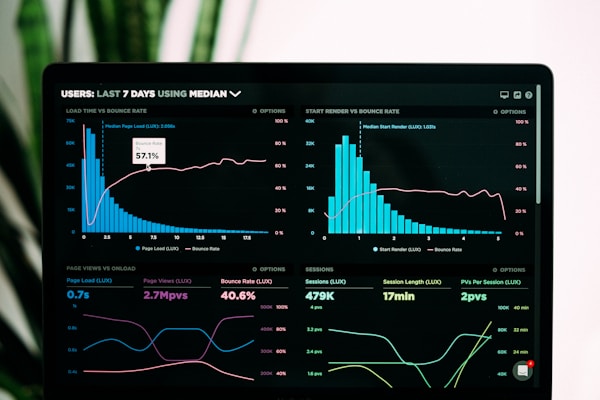
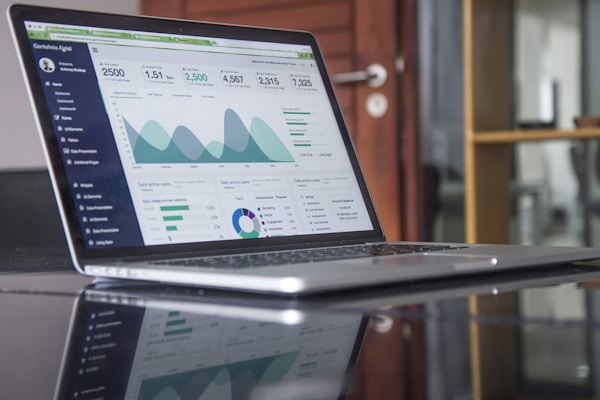
Chat interface with image attachment previews, file upload indicators, and image gallery display within messages. Supports both user-uploaded images and AI-generated image responses.
chat11
Full-featured chatbot window with message thread, AI and user avatars, timestamp display, typing indicator, and rich input area with send button. Suitable as the primary chat experience.
chat4
Sophisticated AI prompt input area with auto-expanding textarea, attachment and image upload buttons, model selector, and a grid of contextual prompt suggestion cards. Inspired by ChatGPT and Claude home screens.
chat19
Tabbed showcase section where each tab displays a different AI use case with a prompt and response preview. Demonstrates AI versatility for landing pages.
chat12
Chat message thread with rich formatting, copy and thumbs-up/down action buttons on AI messages, and time-grouped message sections. Features hover-revealed action bars and smooth animations.
chat16
Chat interface featuring multiple AI agents with distinct personas, colored avatars, and role badges. Each agent has a unique personality and expertise area, creating a panel discussion experience.
chat7
Developer-focused chat interface with syntax-highlighted code blocks, language badges, copy-to-clipboard buttons, and file name tabs. Optimized for code generation and programming assistance.