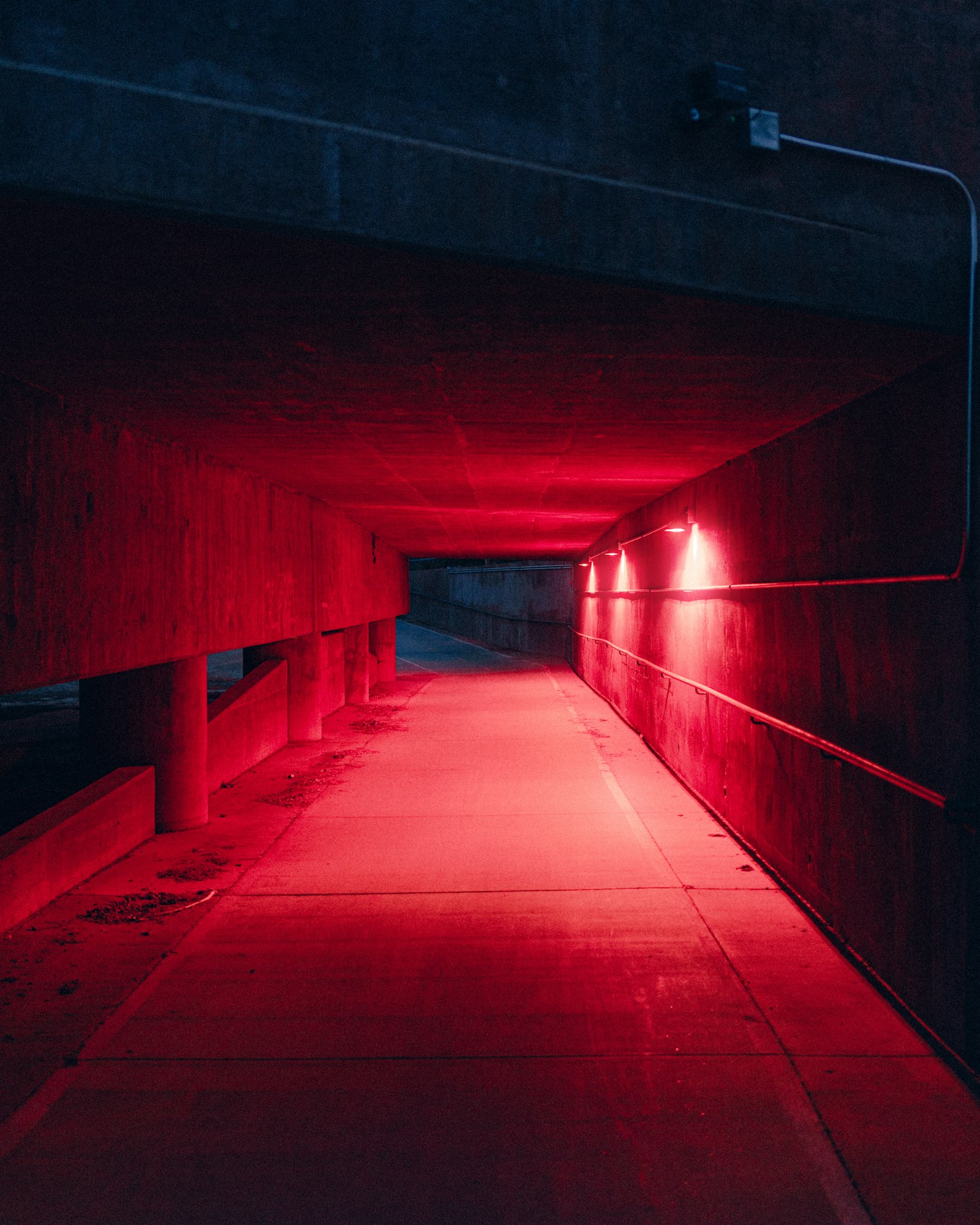
Holloway & Reade, restoration for historic homes
We restore Georgian and Victorian homes room by room, keeping every original detail that can be saved.
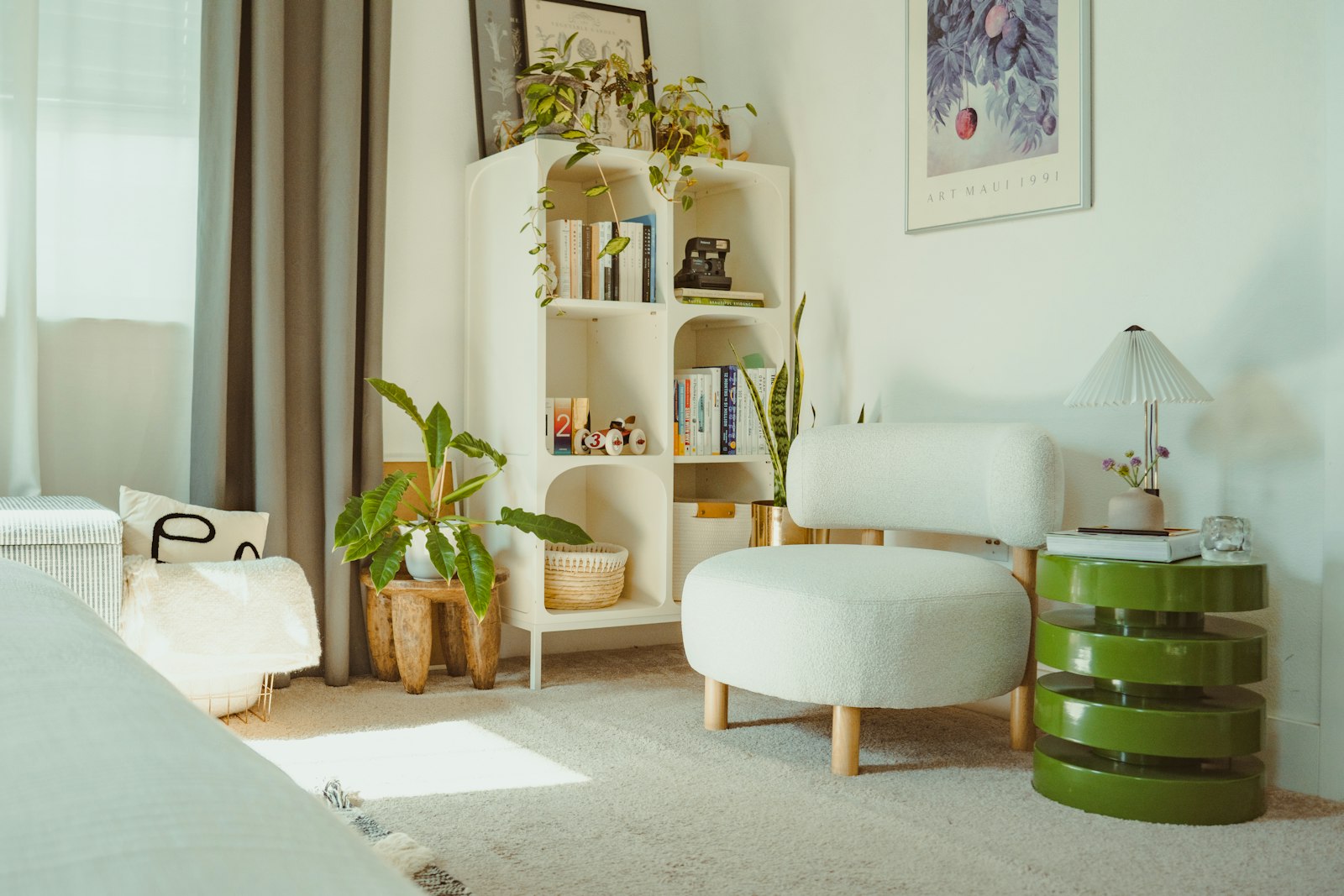
Bath, a Georgian townhouse of 1771
Lime plaster, the original shutters and wide pine boards, brought back after sixty years under carpet.
Frome, a Victorian villa of 1868
A lean-to rebuilt in reclaimed glass and oak, so the afternoon light reaches the whole ground floor again.
Edinburgh, a New Town flat of 1822
Cornices recast from a surviving fragment and the walls returned to a soft, breathable limewash.
A pinned scroll feature section for a restoration studio that shows three projects as before and after photographs. As the page scrolls, a soft vertical seam travels across the frame and wipes each room from its worn state to the restored one, then the frame crossfades to the next project. A round handle on the seam can also be dragged, or moved with the arrow keys, to compare by hand. A side column carries the eyebrow, heading and intro, then each project's place, title and one sentence with a before and after label pair that follows the seam. When no before photo is given, the after photo is aged with a faded, stained treatment so the wipe reads as a restoration. Reduced motion shows each pair side by side.
A pinned section where a vertical seam wipes each project photograph from its before state to its after state as the page scrolls, then crossfades to the next project; a round handle on the seam can also be dragged or moved with the keyboard.
Upgrade to Pro
Pro blocks install through the shadcn CLI with your license key and ship their full source. Docs and live previews stay open to everyone, so you can read every block's details first.
Swap YOUR_EMAIL and YOUR_KEY for the email and license key on your account. Find your license key on your account page.
Radix flavor
npx shadcn add "https://ui.beste.co/r/feature324?email=YOUR_EMAIL&license_key=YOUR_KEY"Base UI flavor
npx shadcn add "https://ui.beste.co/r-base/feature324?email=YOUR_EMAIL&license_key=YOUR_KEY"This installs the block to components/beste/block/feature324.tsx plus the button2 underline link it uses.
The installed file exports feature324Demo alongside the block: the exact props behind the preview above. Spread it to get a working before and after section in one line.
import { Feature324, feature324Demo } from "@/components/beste/block/feature324";
export default function Page() {
return <Feature324 {...feature324Demo} />;
}Then replace the demo with your own props. Written out, a trimmed setup looks like this:
import { Feature324 } from "@/components/beste/block/feature324";
export default function Page() {
return (
<Feature324
eyebrow="Holloway & Reade, restoration for historic homes"
heading="Old houses, given back their light."
description="We restore Georgian and Victorian homes room by room."
projects={[
{
title: "The Crescent drawing room",
place: "Bath, a Georgian townhouse of 1771",
text: "Lime plaster, the original shutters and wide pine boards.",
after: {
src: "https://images.unsplash.com/photo-1749703836810-361f30aba87a?w=1600&q=80",
alt: "Bright living room with a white armchair, shelves and plants",
},
},
{
title: "The garden room",
place: "Frome, a Victorian villa of 1868",
text: "A lean-to rebuilt in reclaimed glass and oak.",
after: {
src: "https://images.unsplash.com/photo-1601955711971-90072d950b1c?w=1600&q=80",
alt: "Furnished room catching warm afternoon light",
},
},
]}
link={{ label: "See every project", href: "/projects" }}
beforeLabel="Before"
afterLabel="After"
/>
);
}| Prop | Type | Default | Description |
|---|---|---|---|
eyebrow | string | – | Muted line above the heading |
heading | string | – | Section heading, rendered as an h2 |
description | string | – | Intro under the heading, hidden below md |
projects | Project[] | [] | One before and after comparison per project, shown in order |
link | ActionButton | – | Underline link under the project text, shown from md |
beforeLabel | string | "Before" | Label at the start of the comparison, also used in the slider's accessible name |
afterLabel | string | "After" | Label at the end of the comparison |
className | string | – | Extra classes for the outer <section> |
type Photo = {
src: string;
alt: string;
};
type Project = {
title: string;
/** Place and age of the house, shown above the title */
place?: string;
text?: string;
/** The restored room */
after: Photo;
/** The room before the work; leave empty to show the after photo aged instead */
before?: Photo;
/** Age the before photo with a worn, faded treatment. Defaults to on when no before photo is given */
aged?: boolean;
};
type ActionButton = {
label: string;
href: string;
};420svh tall with a sticky stage; scroll progress is split evenly across the projects, and inside each share the seam eases from before to after between 12% and 78% of it. Switching projects uses a little hysteresis so the frame never flickers at a boundary.requestAnimationFrame loop writes the clip, seam, handle position, aria-valuenow, label opacity and the progress hairline straight to the DOM; it pauses when the section is offscreen or the tab is hidden.role="slider": dragging it takes over the seam with pointer capture, and the arrow keys step 5% while Home and End jump to either end. Scrolling on more than 8% past the point where you took over hands control back to the scroll, and a new project always starts from the scroll position.bg-card and text-card-foreground so it follows the theme.before photo the after photo is reused and aged with a grayscale, sepia and blur filter, a brown multiply wash, SVG noise stains and speckle and an inner vignette; set aged to force this on or off.4:3 figures captioned with the labels, followed by its place, title and text.img elements with decoding="async"; project titles are h3.