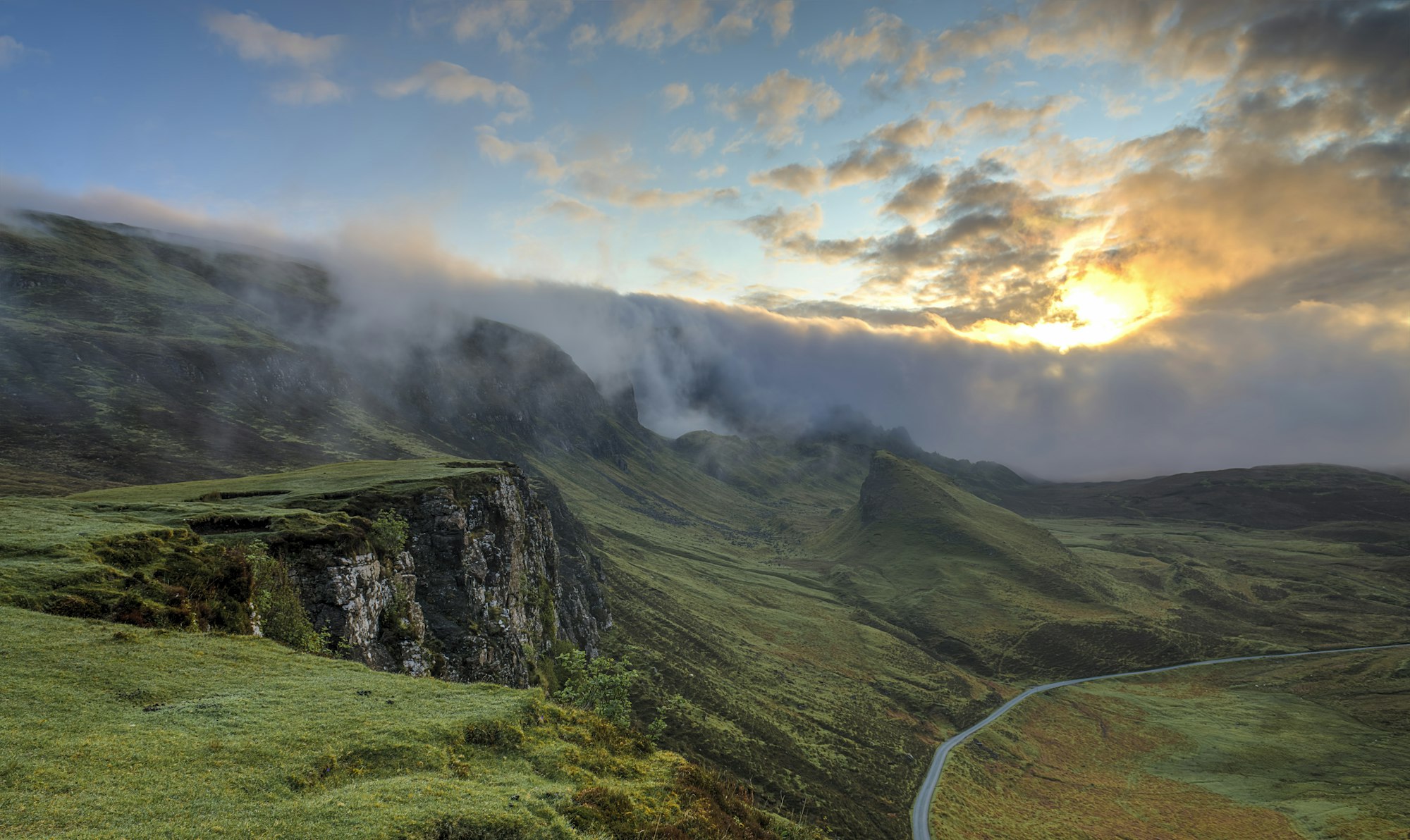
01, Seven days, May to September
Isle of Skye
Ridge walks above the sea cliffs, with long evenings in a stone inn on the harbor.
See the journeyNorthline Journeys, small-group walking trips
Small groups, local guides and the same bed for two nights at a time.
01, Seven days, May to September
Ridge walks above the sea cliffs, with long evenings in a stone inn on the harbor.
See the journey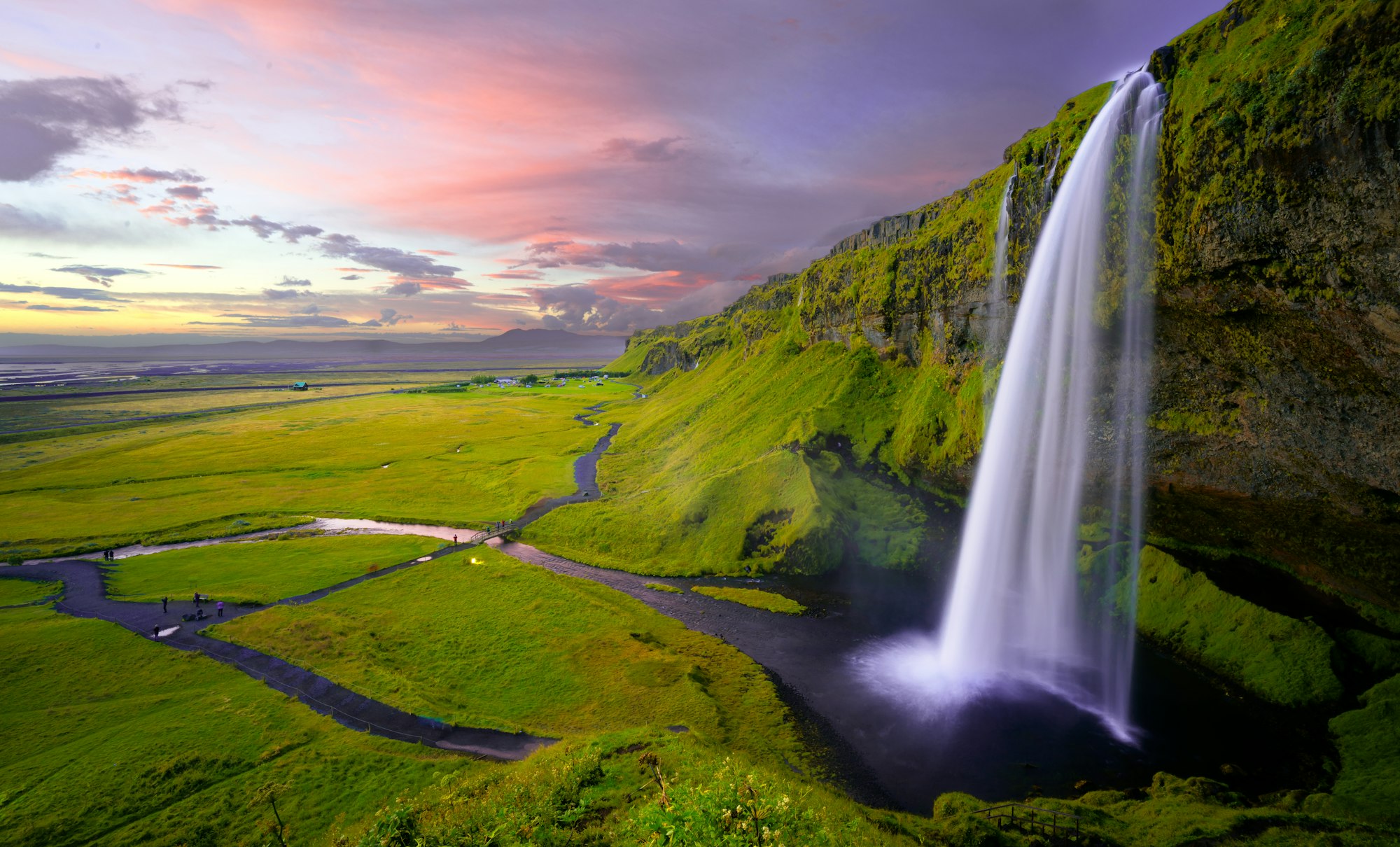
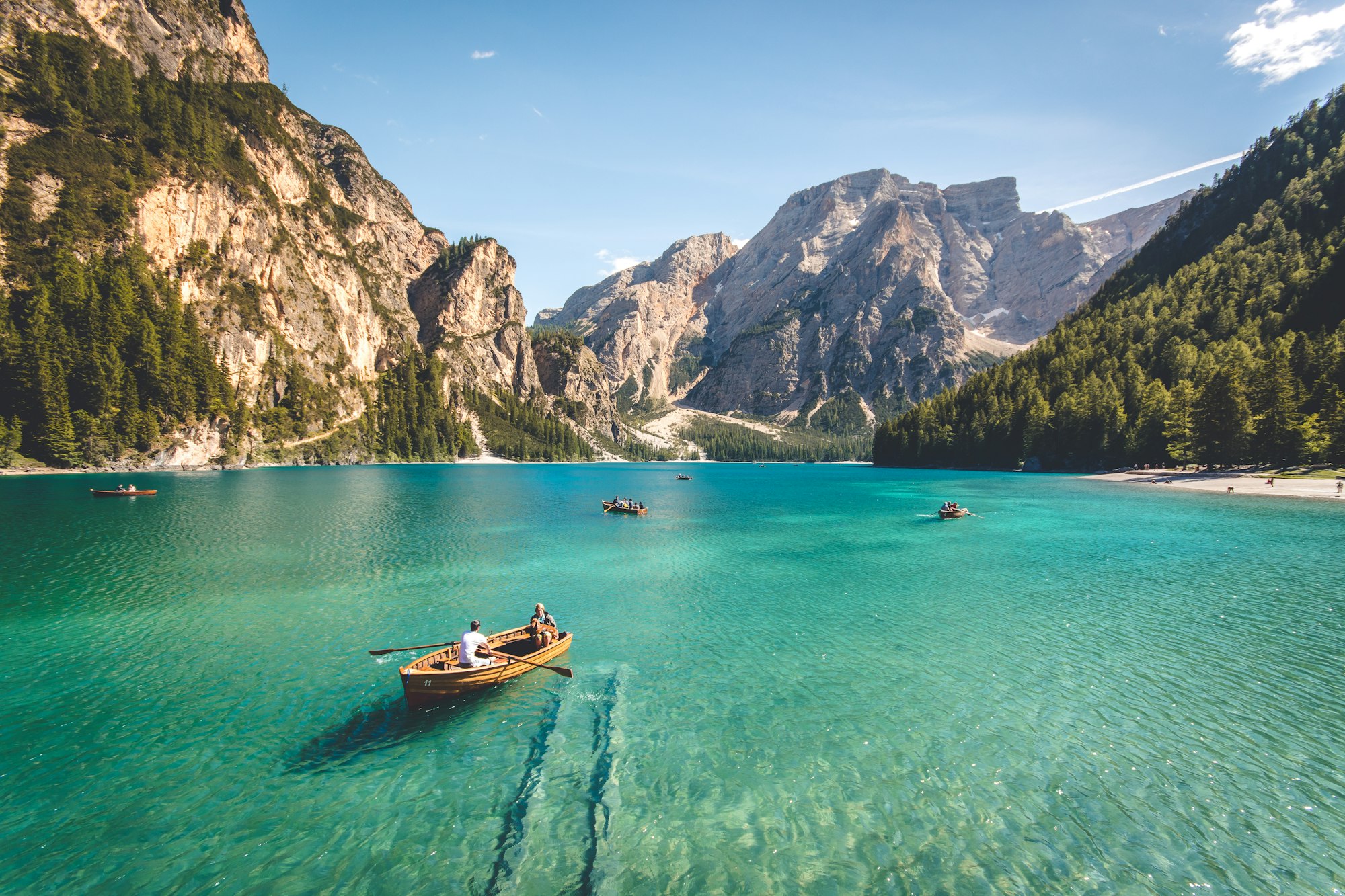
A pinned scroll feature section for a walking travel company, set on a dark surface. Under an eyebrow and heading, five tall photo strips stand side by side, and scrolling opens them one at a time: the open strip glides wide while the others close to narrow slivers carrying a number and a vertical title. The section holds on each journey before gliding to the next, and the photographs are cropped rather than rescaled as the strips change width. The open strip shows its title, length and season, one sentence and an underline link over a soft shade, and clicking a closed strip scrolls to it. On phones the strips become stacked bands that open in height. Reduced motion shows every journey at once in equal strips.
A pinned scroll section on a dark surface where a row of tall photo strips opens one at a time as the page scrolls: the open strip grows wide and shows its title, detail, text and link, while the others close to slivers carrying a number and a vertical title.
Upgrade to Pro
Pro blocks install through the shadcn CLI with your license key and ship their full source. Docs and live previews stay open to everyone, so you can read every block's details first.
Swap YOUR_EMAIL and YOUR_KEY for the email and license key on your account. Find your license key on your account page.
Radix flavor
npx shadcn add "https://ui.beste.co/r/feature322?email=YOUR_EMAIL&license_key=YOUR_KEY"Base UI flavor
npx shadcn add "https://ui.beste.co/r-base/feature322?email=YOUR_EMAIL&license_key=YOUR_KEY"This installs the block to components/beste/block/feature322.tsx plus the button2 button it uses.
The installed file exports feature322Demo alongside the block: the exact props behind the preview above. Spread it to get a working section in one line.
import { Feature322, feature322Demo } from "@/components/beste/block/feature322";

export default function Page() {
  return <Feature322 {...feature322Demo} />;
}
Then replace the demo with your own props. Written out, a trimmed setup looks like this:
import { Feature322 } from "@/components/beste/block/feature322";

export default function Page() {
  return (
    <Feature322
      eyebrow="Small-group walking trips"
      heading="Five journeys, walked slowly."
      description="Small groups, local guides and the same bed for two nights at a time."
      journeys={[
        {
          title: "Isle of Skye",
          detail: "Seven days, May to September",
          text: "Ridge walks above the sea cliffs, with long evenings in a stone inn on the harbor.",
          image: {
            src: "https://images.unsplash.com/photo-1470071459604-3b5ec3a7fe05?w=2000&q=80",
            alt: "Green ridges under low cloud with a single road winding below the cliffs",
          },
          link: { label: "See the journey", href: "/journeys/skye" },
        },
        {
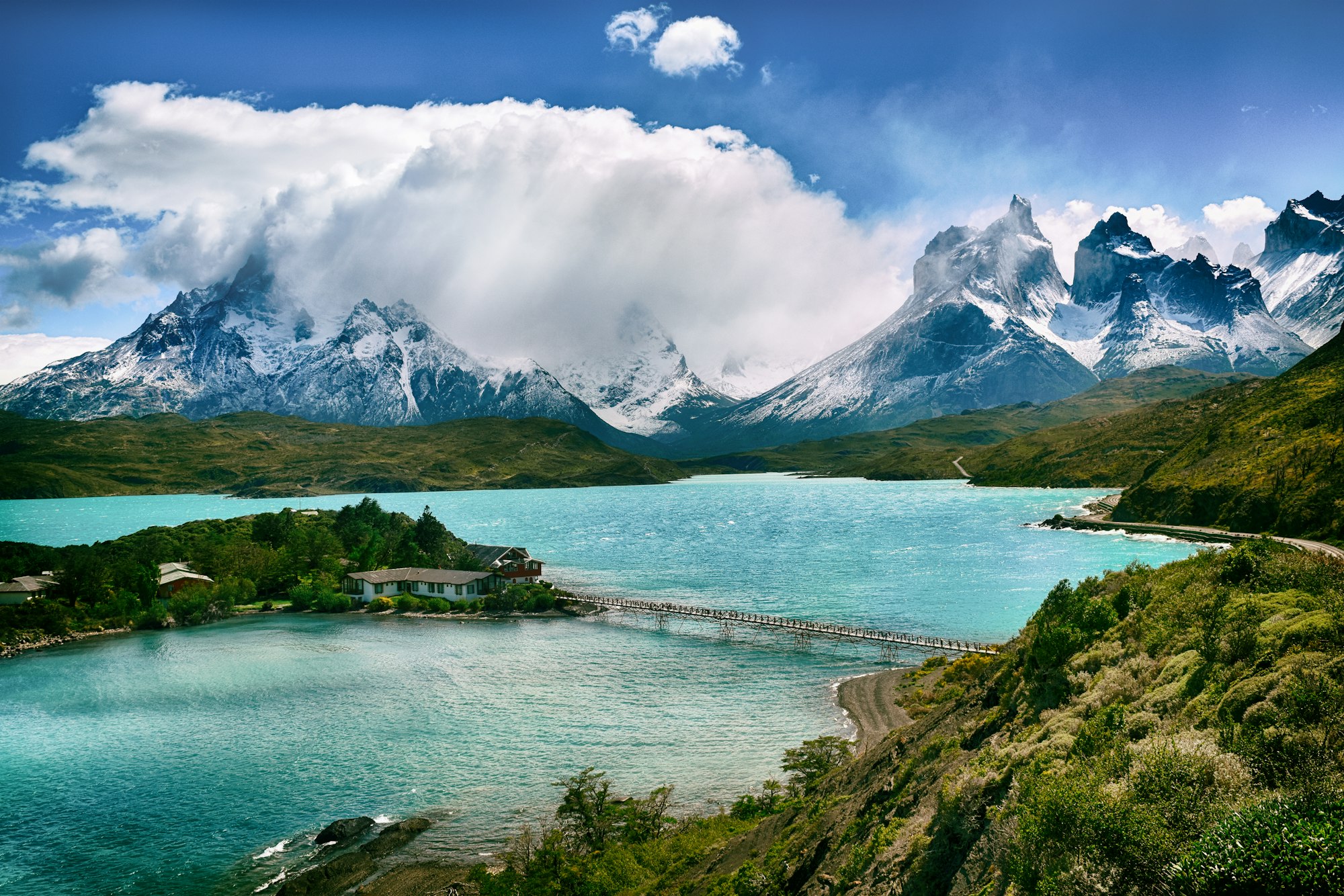
          title: "Patagonia",
          detail: "Twelve days, November to March",
          text: "The granite towers of the far south, reached on foot from one quiet lakeside lodge.",
          image: {
            src: "https://images.unsplash.com/photo-1478827387698-1527781a4887?w=2000&q=80",
            alt: "Snow-capped granite peaks above a turquoise lake and a small island lodge",
          },
          link: { label: "See the journey", href: "/journeys/patagonia" },
        },
      ]}
      spread={6}
    />
  );
}| Prop | Type | Default | Description |
|---|---|---|---|
eyebrow | string | – | Small line above the heading |
heading | string | – | Section heading, rendered as an h2 |
description | string | – | Paragraph to the right of the heading, hidden below md |
journeys | Journey[] | [] | One strip per journey, numbered from 01 |
spread | number | 6 | How many times wider the open strip is than a closed one (minimum 2) |
className | string | – | Extra classes for the outer <section> |
type ActionButton = {
  label: string;
  href: string;
};

type Journey = {
  title: string;
  detail?: string; // short line such as length and season
  text: string;
  image: { src: string; alt: string };
  link?: ActionButton;
};h-[340svh] tall with a sticky frame; scroll progress from 0.06 to 0.94 maps across the strips, and each step rests on a strip before an eased glide to the next.requestAnimationFrame loop writes flexGrow, shade, label and content opacity straight to the DOM, and pauses when an IntersectionObserver reports the section offscreen or the tab is hidden.ResizeObserver and CSS variables, so they are cropped rather than rescaled as strips change width.md the strips stack as bands that open in height instead of width, and the detail line is hidden below sm.h3, and the link renders as a Button2 underline link only when link is set.